

| Detail | Info |
| Game | Mines (BC Original) |
| Grid | 5×5, 25 cells |
| Mines range | 1 to 24 |
| RTP | 99% (1% house edge) |
| Dedicated app | No standalone Mines app |
| Access on mobile | Through bc.game in browser or BC Game APK |
| iOS | Safari + Add to Home Screen |
Is There a Mines Game Mobile App
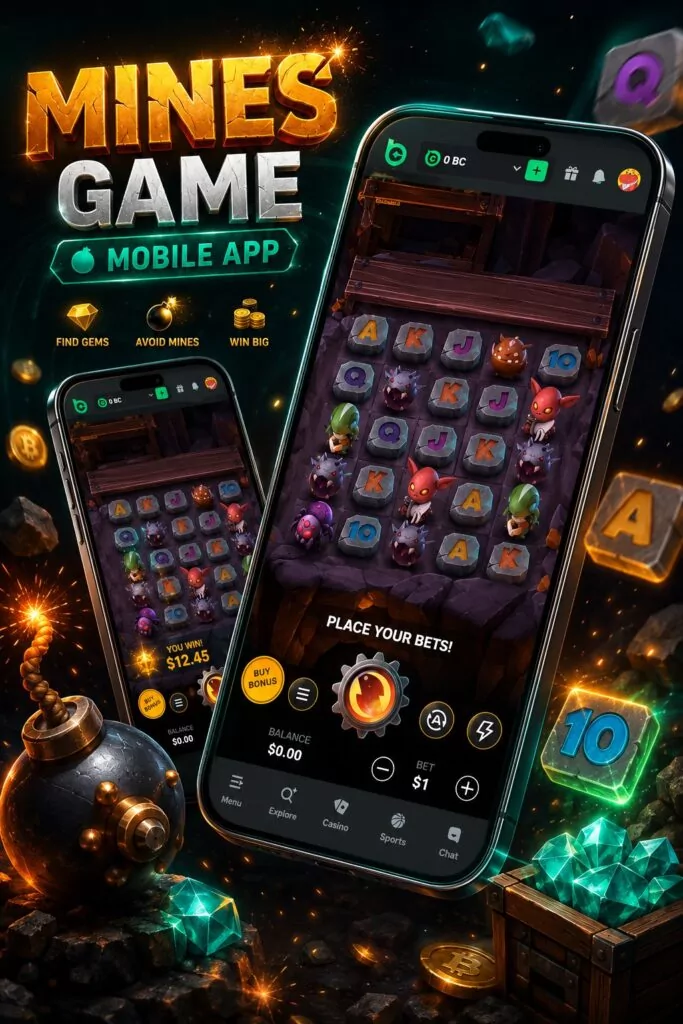
No standalone mines game app exists for download. Mines is not a separate product with its own listing in any app store. It lives inside the BC Game platform as one of the BC Originals — games developed by the platform itself, not licensed from third-party providers.
Some users search for “mines game earning app” expecting to find a dedicated application that pays real money for playing Mines. What they find instead is the BC Game platform, where Mines is one game among hundreds. The distinction matters. Mines is a casino game with a 1% house edge. Real money can be won. Real money can also be lost. It’s not a task-based earning app where completing rounds guarantees income. The math works against the player on average, even with a 99% RTP, because that 1% edge compounds over hundreds of rounds.
The BC Game APK for Android is the closest thing to a dedicated app experience. It wraps the entire platform — slots, live tables, sports betting, originals — into an installable package. Mines loads from within that wrapper. The APK doesn’t exist in Google Play because the store restricts real-money crypto gambling apps in most markets, India included.
How to Download and Install Mines Game on Android and iOS
Two paths for Android. One path for iPhone. All three end at the same game.
Android: APK from the Official Site
The mines game download on Android goes through bc.game directly.
Open bc.game in a mobile browser. Find the APK download button on the site. The file saves to the Downloads folder. Size sits around 50–90 MB depending on the current build.
Android blocks the install by default. The phone needs permission to install apps from outside Google Play. On older Android versions, the setting lives under Security. On newer ones, the permission applies per-app — the browser that downloaded the file needs to be allowed to install packages. Flip the setting once. Run the APK. The installer asks for confirmation. A few seconds later the icon appears in the app drawer.
After install, open the app, log in, navigate to Originals, and Mines is right there.
One rule applies above everything else. The APK must come from bc.game. Not from a search result. Not from an aggregator. Not from a Telegram channel. Mirror sites and fake APK pages are common in the crypto casino space. Some look convincing enough to pass a quick glance. Files from those sources have been tied to credential theft and silent background processes. The risk is real and not theoretical.
Android: Home-Screen Shortcut
Skipping the APK is also fine. Open bc.game in Chrome. Tap the three-dot menu. Select Add to Home Screen. Confirm the name. The icon appears alongside regular apps. Tapping it opens bc.game in its own window without browser bars. Mines Demo loads from inside the platform the same way it would through the APK.
The shortcut method takes ten seconds. No storage used beyond a few kilobytes. No permission changes needed. For users who prefer not to install files from outside the Play Store, this is the cleaner route.
iPhone: Safari Shortcut
Apple restricts real-money crypto gambling software from its store. No BC Game listing exists there. The workaround on iPhone is Safari.
Open bc.game in Safari. Wait for the page to finish loading. Tap the Share icon — the square with an upward arrow at the bottom. Scroll down the menu. Pick Add to Home Screen. Change the name if needed. Tap Add. The icon lands on the home screen alongside other apps.
From that point on, tapping the icon opens bc.game in a standalone window. Safari’s interface disappears. The experience looks and feels like a native app. Mines loads from the Originals section inside the platform.
Every third-party browser on iOS uses Apple’s WebKit engine underneath. That’s an Apple rule. The practical result: bc.game runs about the same no matter which browser opens it. Safari gets the recommendation because Add to Home Screen works most reliably through it.
Mines Game via Mobile Browser
The browser route is the simplest access method and the one most Indian users end up using.
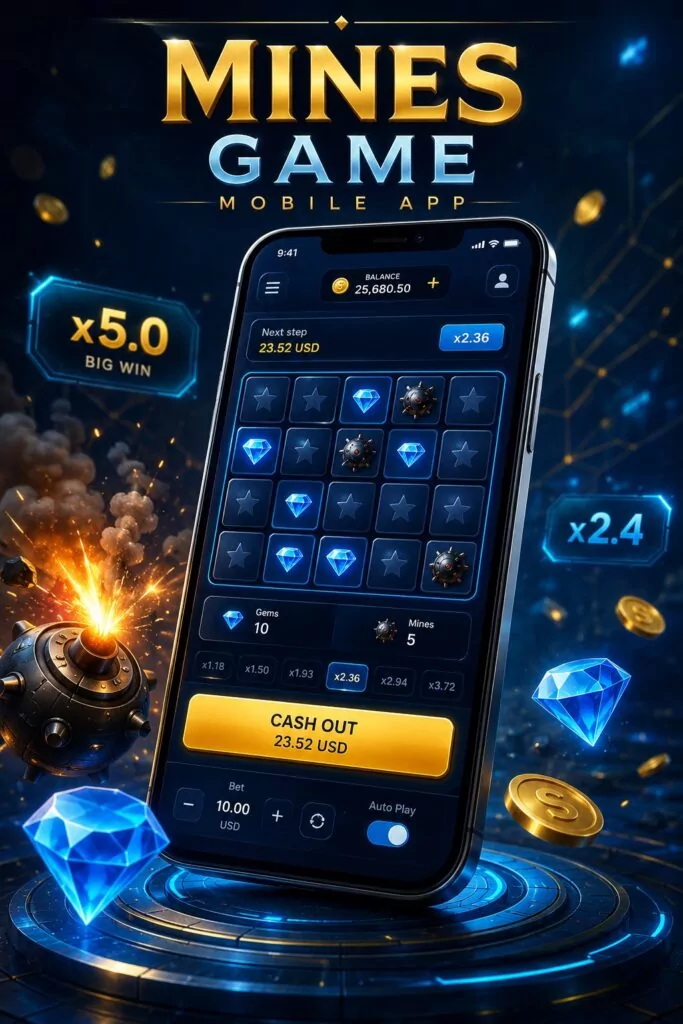
Open bc.game in any current browser. Log in. Navigate to Originals. Select Mines. The game loads in the browser tab. No download. No install. No permission changes. The same 5×5 grid, the same mine count selector, the same cashout button.
Browser play has a few practical advantages over the APK:
- No storage used on the device
- No update management — the platform updates server-side, so the latest version loads automatically
- No risk of running an outdated build with mismatched features
- Runs on tablets and older phones too, not just recent models
The tradeoff is minor. The APK keeps part of the interface on the phone, so the first load can feel a tick faster when the connection is weak. Most of the time the difference doesn’t register.
For Mines specifically, browser play is smooth. The game is lightweight. The 5×5 grid renders without strain on phones several years old. Multiplier updates happen instantly. The cashout button responds without delay. No heavy animations. No video streams. Just a grid and clicks.
Risks of Downloading APK Files for Mines
The APK from bc.game is safe. APKs from anywhere else are not guaranteed to be.
Search results for “mines game download” sometimes lead to third-party pages. A few of those pages claim the APK they offer has better odds or no house edge. That’s not how the game works. The math runs on the server. A modified APK cannot change server-side calculations. What a modified APK can do is steal login credentials, redirect deposits, or install processes that run quietly in the background.
Warning signs that a download page is not legitimate:
- The domain doesn’t match bc.game exactly
- The page asks for login credentials before serving the file
- The APK file size differs noticeably from what bc.game shows
- Download links pass through ad networks or pop-ups
- Reviews on the page look templated or dated within the same week
Sticking to bc.game for the APK eliminates these risks. The browser route eliminates them entirely, since nothing gets installed at all.
For Indian users who find listings for a “mines game earning app” on unofficial app stores or download aggregators, extra caution applies. These listings often bundle the game name with unrelated software. The actual mines game from BC Game does not exist as a standalone earning app outside of the bc.game platform.
How to Play Mines Game After Downloading
Whether the access came through the APK, a home-screen shortcut, or a plain browser tab, the game works the same way.
Open the platform. Log in. Go to the Originals section. Find Mines. The game interface loads with the control panel on the left and the 5×5 grid in the center.
Set the mine count. The selector allows any number from 1 to 24. Lower mine counts mean more safe cells and smaller multipliers. Higher mine counts mean fewer safe cells and larger multipliers. There are no preset difficulty modes — just the raw number.
Set the bet amount. BC Game is a crypto casino. Bets can be placed in fractions of a cent — useful for testing strategies at zero meaningful risk even with real funds. Maximum payouts per round are capped, usually in the range of tens or hundreds of thousands of dollars equivalent.
Click a cell. Safe cell reveals a gem. The multiplier updates. Cashout becomes available. Click another cell or take the current payout. Every additional click raises the multiplier but also raises the chance of hitting a mine.
The auto mode handles repetitive sessions. Players can select which cells to open each round, set the number of rounds, and define stop limits for both profit and loss. For systematic testing across hundreds of rounds, auto mode runs faster than manual play.
Provably fair verification is available for every round. The server generates a seed before the round starts. A hash of that seed is shown to the player before the first click. After the round, the original seed is revealed. Players can verify through independent calculators that the mine positions were fixed before the game began. Nothing changed mid-round.

Mines Game System Requirements
The game is lightweight. It doesn’t ask much from the device.
| Requirement | Mobile | Desktop |
| OS | Android 8.0+ or iOS 13+ | Any current OS |
| Browser | Chrome, Safari, Firefox, or equivalent | Same |
| Connection | Stable 3G minimum, 4G recommended | 5 Mbps+ |
| Storage (APK) | 50–90 MB | Not applicable |
| Storage (browser) | None | None |
Mines does not use video streams or heavy 3D rendering. The grid is a flat interface with simple animations. Phones from three or four years ago handle it without strain. What matters is the connection, not the processor. If the connection drops mid-round, the server has the game state saved. The round resolves once the connection comes back.
For Indian users on mobile data, 4G provides a smooth experience. 3G works but may introduce slight delays between clicks, which can feel uncomfortable when a large multiplier is sitting on the cashout button.